

Es ist schon atemberaubend, was @Random Penguin bereits an Zeit und Kraft hineingesetzt hat, um ihre Vision für ein Redesign von #Friendica zu realisieren.
Die Einsatz der persönlichen Arbeitszeit ist großartig und großzügig👏
Lesezeichen

I've mentioned to a few people that I've been working on a new theme for Friendica, based on "Vier" but with some features from "Frio" and styling cues from ...

BookLook Theme Early Preview
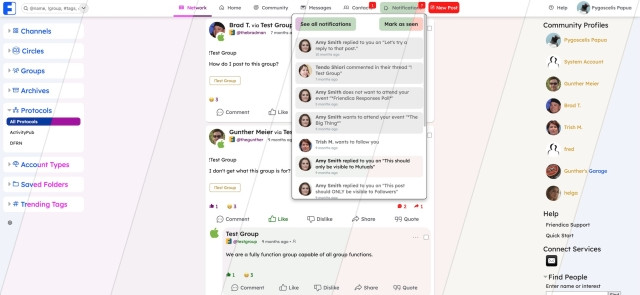
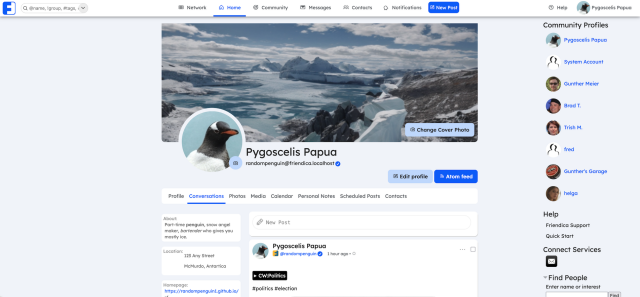
I've mentioned to a few people that I've been working on a new theme for Friendica, based on "Vier" but with some features from "Frio" and styling cues from the "Bookface" scheme I made for it, plus some new stuff.This is a PREVIEW of that theme. It's still very much a work-in-progress! It's not even to a point where I can release the code for others to test. There is still a LOT to do.
I've been doing frontend web design and development professionally for a long time. Over the years I've made dozens of themes, child themes, and plugins for clients running WordPress, so I'm no stranger to PHP and jQuery. Friendica, though, doesn't have a robust theme system like WordPress. So for just about everything I've wanted to do I needed to pick my way through the code and figure it out, because the documentation is outdated, thin, or non-existent.
Friendica also has a million pieces, so I never feel like I'm getting anywhere with this theme because every time I turn around there's something else that needs attention. I hate to say it, but it's been the most frustrating thing I've ever worked on and I've nearly given up a dozen times! I might still. This is what I do for a living so paying jobs would have to take priority over working on this for free.
Which is why I won't try to predict if or even when it will be finished.
As for WHY I started making this? I felt I'd taken the "Bookface" scheme as far as it can go given the limitation of only being able to use CSS. People had asked if I could do this or that with it and I'd have to tell them "No" because what they wanted required changing backend code or the HTML structure and all I had to work with was a stylesheet.
If you're on one of a couple of the larger Friendica instances you've probably experienced first hand how the "Frio" theme can breaks on an overloaded server. That's probably because it loads about a dozen additional plugins/themes/frameworks on top of what the Friendica core loads. If it fails to load some of them the theme breaks. By contrast the older "Vier" theme is pretty simple. It doesn't really load anything new. Which makes it faster loading and more stable, or at least less prone to breaking on a stressed server.
Which is why I decided to use "Vier" as the base for my new theme. It's actually more of a "hybrid" theme because I'm incorporating some of the features from "Frio" that I like. But I needed to figure out how to do that without Bootstrap because I was determined not to add any new plugins, libraries, or frameworks.
Features:
- Accent Color creates site-wide color scheme
- Forkawesome icons replaced with Phosphor icons
- Default font is "Lexend" designed from improved readability.
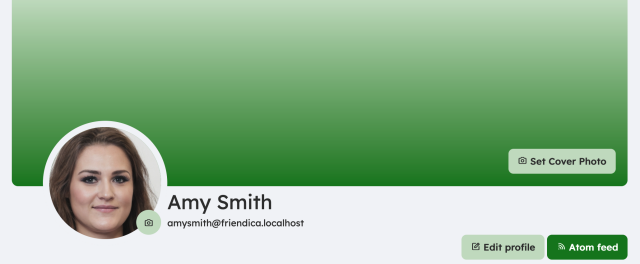
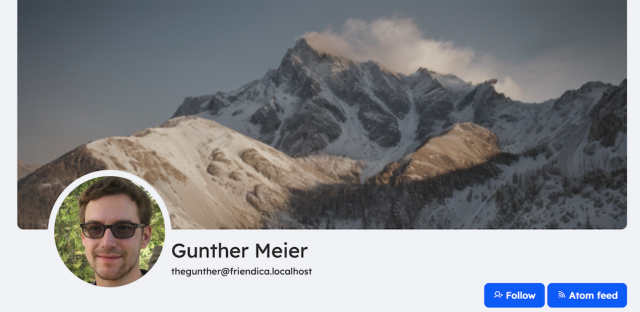
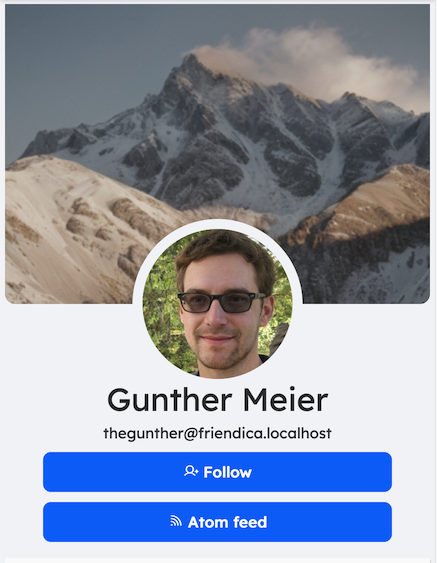
- Integrated Coverphoto add-on functionality
- Integrated Zen Postbox add-on functionality
- Advanced Theme Settings similar to my Bookface Custom add-on
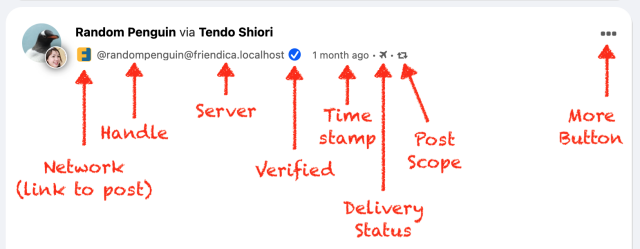
- Verified Blue Checkmarks (optional as it only works for local accounts)
- Post headers now show author @handle
- Option to hide local server from @handle
- Options to show navbar icons, text, or both
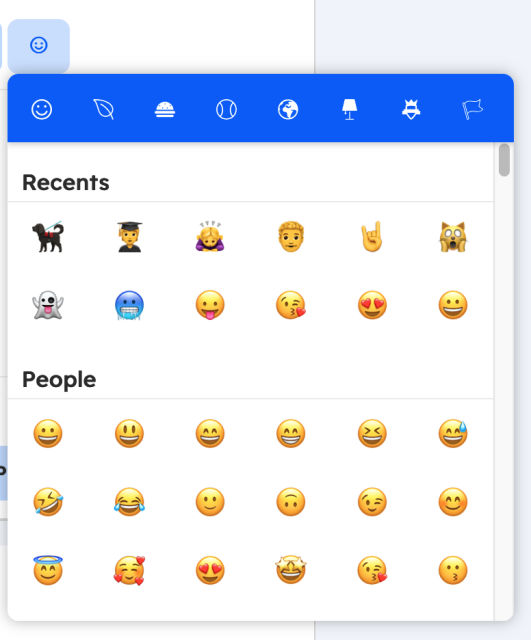
- Option for alternative Emoji Picker integrated to theme
- Accessibility improvements for keyboard navigation
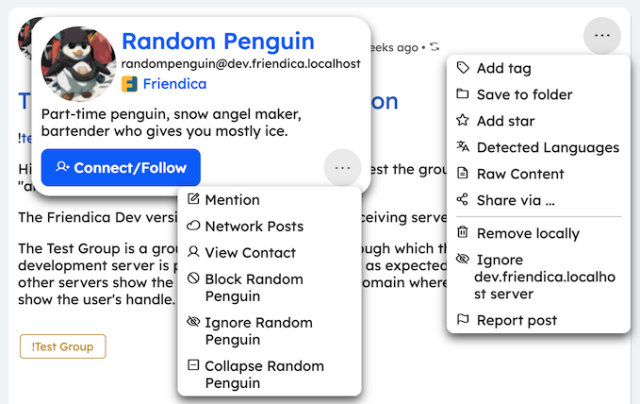
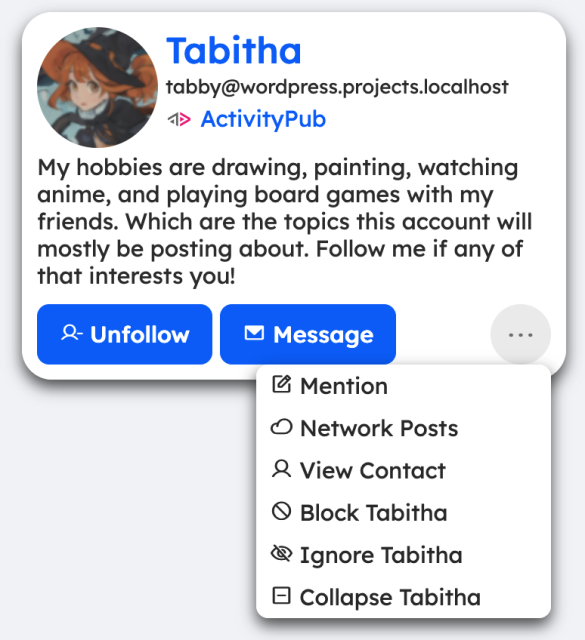
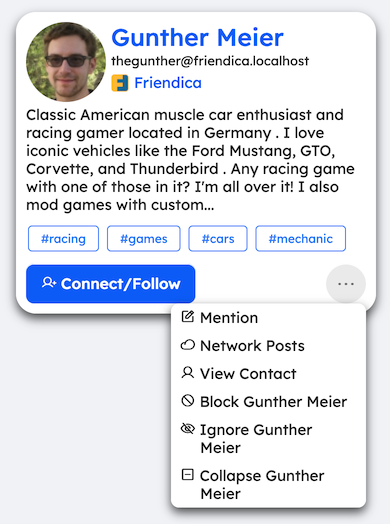
- Redesigned Hovercards (popover contact info)
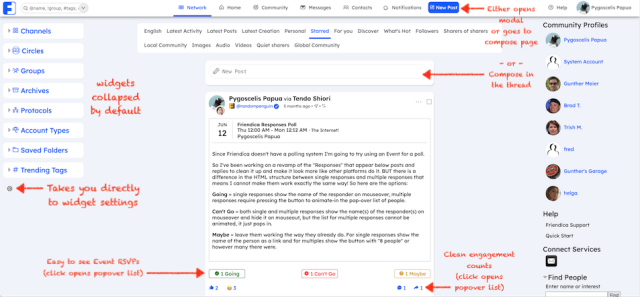
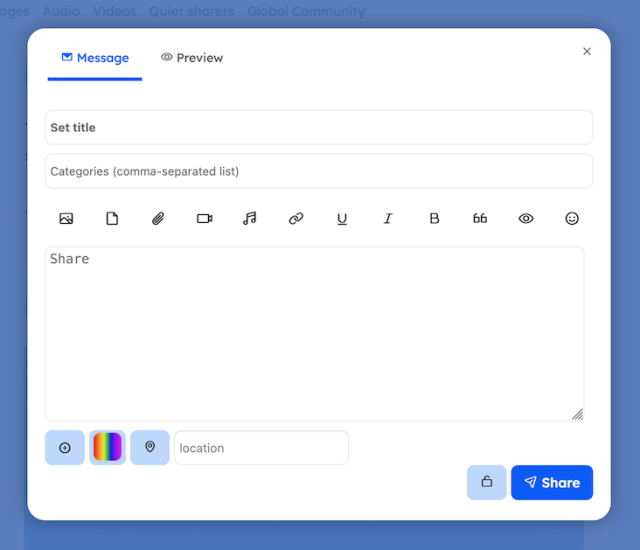
- Three Options for Composing & Editing:
- In Thread
- Separate Page
- Modal Window
- Location button can use device location services (if you've enabled it in browser for site)
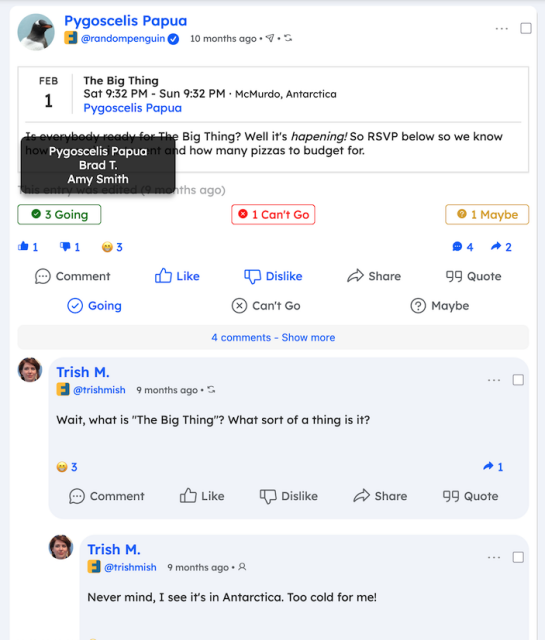
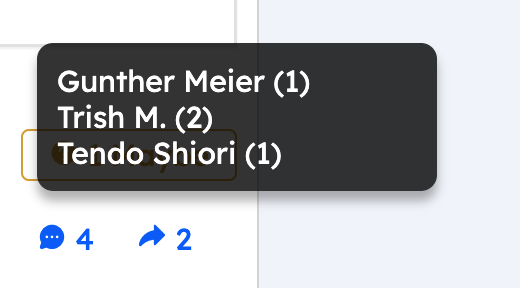
- Post engagement/responses click for popover list
- Post Composer available on Community page (Local Server & Global)
- Character count added to comment editor
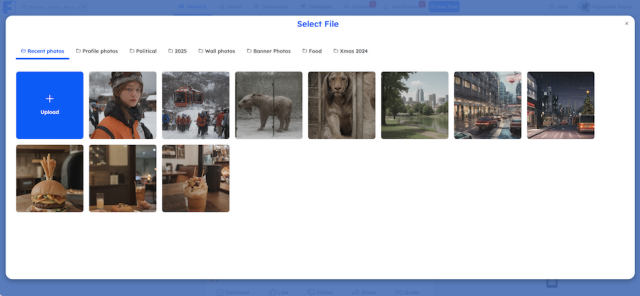
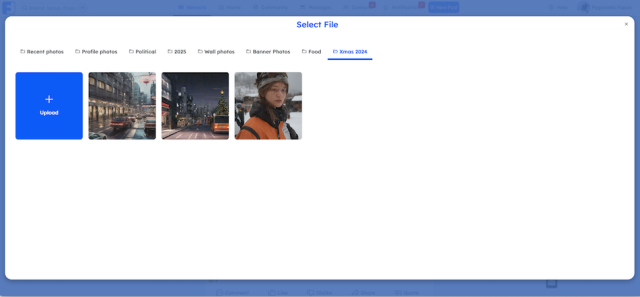
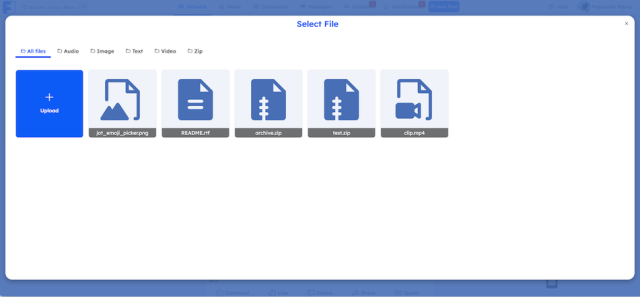
- Photo and Attachments filebrowser has tabbed interface
- Attachments filebrowser can filter files by type
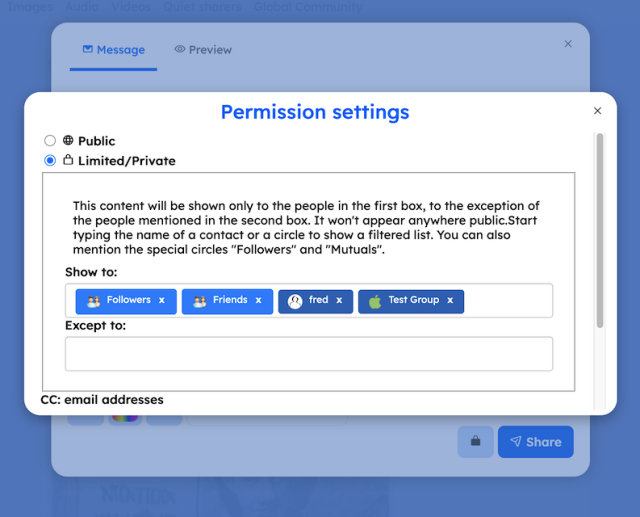
- Privacy Settings update padlock icon on editor
- Easier access to some settings (Widgets, Profile photo, etc.)
- "Frio" style user Settings and Admin screens
- Single navigation toolbar with options to make it "fixed" or scroll away.
As for what's still left to to do? I have yet to style most of the sub-pages for each section, I have to complete the mobile UI layout, create options for all of the settings for the theme, make the "dark" and "auto" versions, get some of the features listed above working properly, and probably a ton of other little things I won't know I need to do until I stumble across them.#Friendica @Friendica Developers

jakob 🇦🇹 ✅
in reply to Matthias • • •Ja das ist wirklich großartig!
Ich bin unendlich dankbar für sein Engagement!