
[SOLVED] Help! Cannot Load Mozilla Addon Page in Ironfox
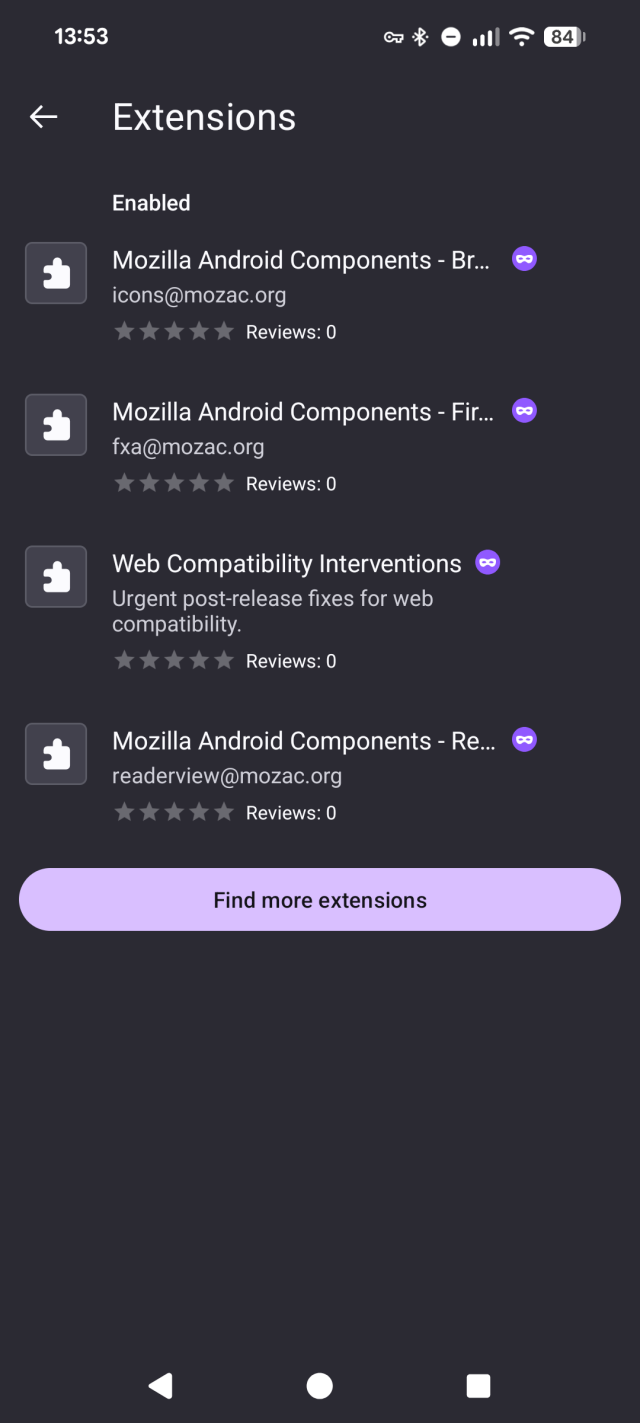
I feel a bit silly asking this but no matter what I do, I can't load the Mozilla add-on page in Ironfox. I'm on a Pixel 8a, up to date Android, and I have changed every setting I can find in Ironfox and it simply will not load. I can get to the extension page in settings but when I click the purple button it goes to the browser and stalls. Even if I put in the base Mozilla address it stalls.
I'm just trying to install Privacy Badger!
I'd really appreciate if anyone could suggest anything that might help.
Thanks!
This entry was edited (3 days ago)

AliOski
in reply to ropatrick • • •Dr. Wesker
in reply to AliOski • • •ropatrick
in reply to AliOski • • •Dr. Wesker
in reply to ropatrick • • •ropatrick
in reply to Dr. Wesker • • •Fuck, this was it! Thank you so much.
I use Tracker Control. It didnt occur to me that this could be the issue because when you open any browser entry in TC, it says in big writing "Browsers Not Supported". So I generally ignore it whentheres a browser issue, however, despite the message it does still have an impact on browsers, so that message is a bit confusing.
As soon as I turned it off, the page loaded. This has however opened another can of worms that I will start a new thread about. Ironfox has a lot of trackers. Way more than most apps I have seen.
TC says it has contacted 14 companies this week! Theres three screens worth of trackers listed, one of which is addons.mozilla.org which is now allowed. Won't let me upload the screenshots for some reason but I'll try later.
Thanks for your eagle eye wesker and taking the time to respond. 👊🏼
AliOski
in reply to ropatrick • • •ropatrick
in reply to AliOski • • •13readie
in reply to ropatrick • • •ropatrick
in reply to 13readie • • •gewuerzwiesel
in reply to ropatrick • • •I had this issues on different devices, recently.
On one (tablet with lineageos), Rethink was running and blocked the connection to Mozilla's Add-on page in its firewall. Allowing Ironfox entries within firewall settings of Rethink fixed it.
On the other device (Samsung smartphone with Samsung branded Android), I first had to search within the security settings for entries that sounded like they prevent the installation of addons within an app and just temporarily deactivated them.
So, beside the already mentioned DNS cobfiguration, you might check firewall settings, if firewall is installed, or go through the "security" settings, if you are on a branded Android.
ropatrick
in reply to ropatrick • • •MonkderVierte
in reply to ropatrick • • •Wisdom of the Ancients
xkcdropatrick
in reply to MonkderVierte • • •I see what you did there, but the solution is posted in a response to the person that suggested it! 👍🏼
I would never declare that an issue is solved and not post the solution for other users. I'm around online communities way too long for that nonsense.
Edit: I see your XKCD 979 and I raise you an XKCD 293 (but you will have to use your imagination and replace the D with a T to signify "Thread"). 😁❤️
xkcd.com/293/
RTFM
xkcdJul (they/she)
in reply to ropatrick • • •ropatrick
in reply to Jul (they/she) • • •