
Thinking of #DeGoogling but not sure where to start? You've come to the right place.
This is your go-to guide for how to use Tuta Calendar - the #BigTech free, private calendar, that's free to use!
Link 👉 tuta.com/blog/how-to-use-tuta-…
Why Tuta Cal? 📅💙
✅️ End-to-end encrypted
✅️ Green
✅️ Open-Source
✅️ Zero ties to Google
✅️ Zero ties to Big Tech
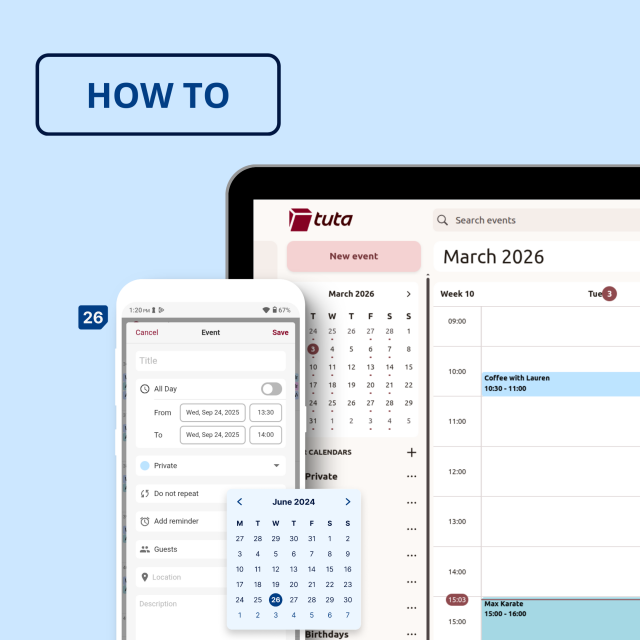
How to set up & use Tuta Calendar | Tuta
Tuta Calendar is not only the best calendar for privacy, but it also helps you stay organized and plan your schedule. Today, we show you how to set up and use Tuta Calendar.Tuta

SueDiOh
in reply to Tuta • • •Tuta
in reply to SueDiOh • • •Ati
in reply to Tuta • • •Tuta
in reply to Ati • • •Edinei Cavalcanti
in reply to Tuta • • •s1m0n4
in reply to Tuta • • •I want to be able to automatically label emails from my accountant (or move them to a specific folder) based on the sender e-mail address (or even the email subject).
Ex: "Your VAT March declaration" from pablo@accountant.eu
➡️ all e-mails from pablo@accountant.eu go to the folder "Accountancy".
➡️ E-mails with "VAT" in the subject automatically get labeled "VAT"
Chaddicus
in reply to Tuta • • •Tuta
in reply to Chaddicus • • •Chaddicus
in reply to Tuta • • •Tuta
in reply to Chaddicus • • •Chaddicus
in reply to Tuta • • •