WordPress Posts Truncated on Mastodon? Here’s How to Show the Full Content
If your WordPress posts appear broken or are not fully shown on Mastodon or other fediverse applications, it’s likely because the platform is using the post’s summary (or excerpt) instead of the full content.
To fix this:
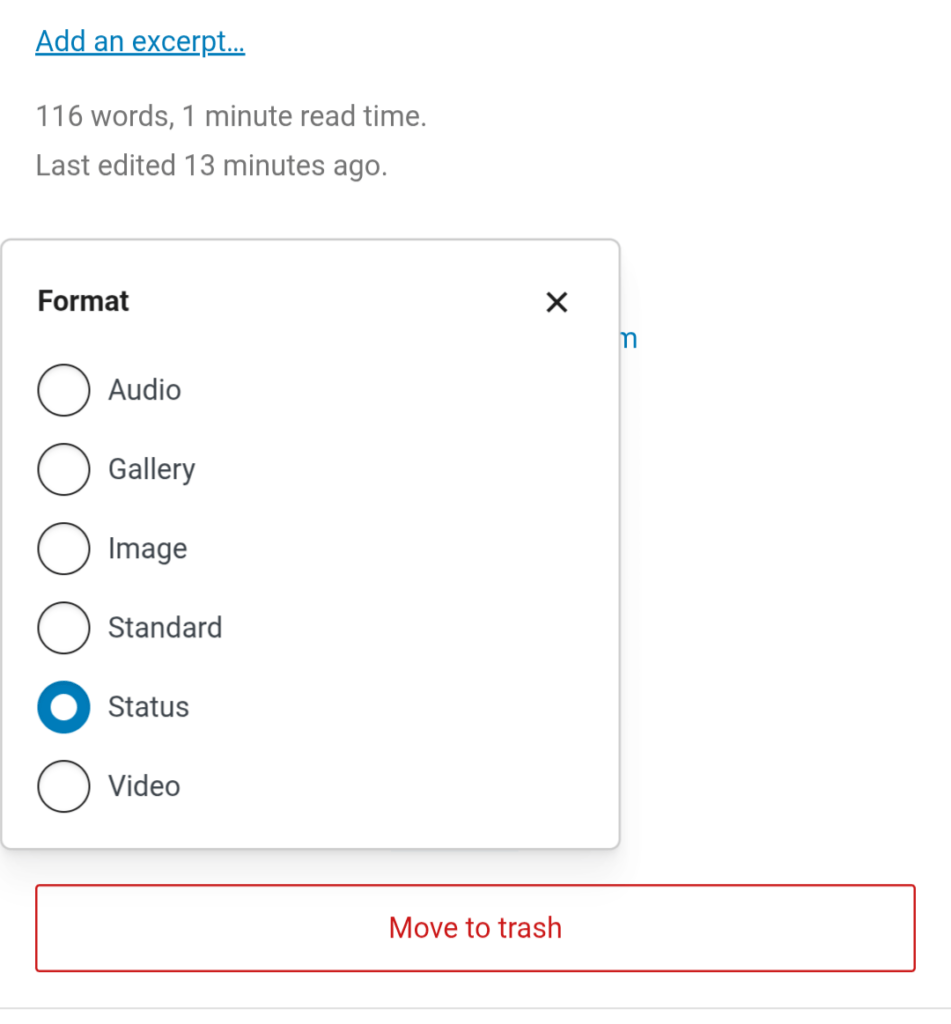
- Use the “Status” post format: In the WordPress Block Editor, set your post’s format to “Status”.
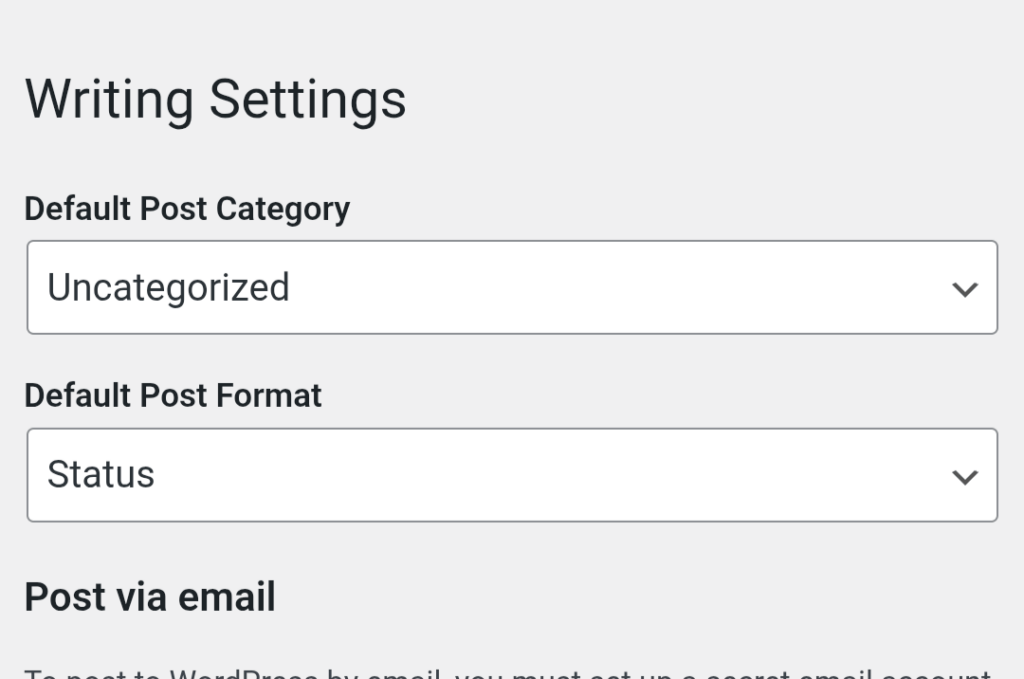
You can also set “Status” as the default format for all posts by going to Settings > Writing:
2. Update existing posts: If you changed the template or settings after publishing, edit and update the post to resend it with the correct formatting.
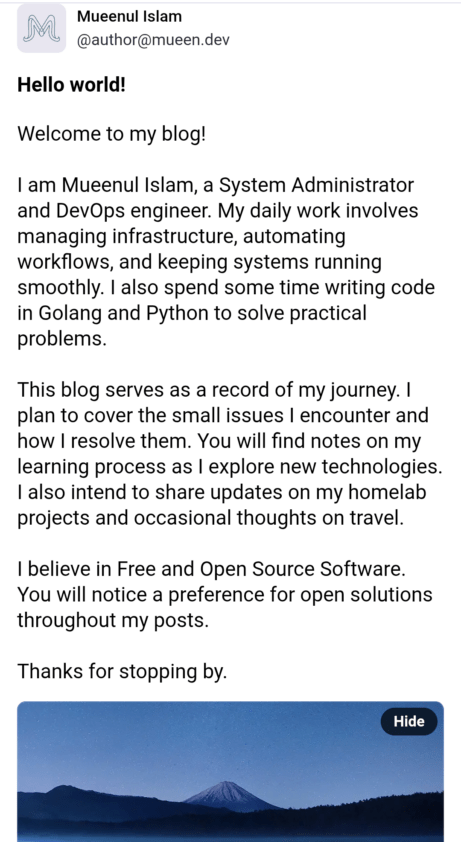
After that posts will appear normally on Mastodon:
What does Post Format do in WordPress?
In WordPress, a Post Format is a piece of meta information that tells the theme how to visually style or present a specific post. It allows you to display different types of content – like a short status update, a quote, a gallery, or a video – in a unique way that’s appropriate for that content.
For example, a “Status” format might display only the post content in a minimal style (ideal for short updates), while a “Quote” format might style the text with large quotation marks and center it on the page.
For the Fediverse, when using the ActivityPub plugin, selecting the “Status” format is crucial as it instructs the plugin to send the full post content to platforms like Mastodon, preventing it from being truncated.